How to avoid being doxxed: protecting your personal information online
How to avoid being doxxed: protecting your personal information online
How to protect your personal information online, and a few related internet survival tips.
Thanks to the Write the Docs community folks who gave feedback on the draft of this post.
Introduction
Doxxing (also spelled doxing) is “the act of publicly revealing previously private personal information about an individual or organization” (wikipedia). Usually, it is done by someone other than the person being doxxed, often with malicious intent.
This article lists some tips for avoiding being doxxed. It’s important to note that nothing is foolproof, and if an organisation or individual with resources really wants to find you, they probably will. However, you can take steps to make it more difficult, and hopefully too frustrating for the casual hateful individual to bother with. This article describes both easy steps (meaning ones that don’t require any change in behaviour or internet usage), and more difficult ones (steps that may impact your online activity).
Really important warning
There are two basic principles of information on the internet:
- Nothing is private
- Everything is eternal
Those conversations in a private chatroom? What’s stopping someone screenshotting them? That comment you made on a forum 15 years ago? May well still be out there. The adolescent blog you deleted? Could still be stored in the wayback machine.
This means the best practice of life online is to reveal as little as possible, and never say anything that you wouldn’t want shown to a potential employer or your mother or the police, or whichever authority is likely to be the biggest threat to you.
However, this is easier for some people than others, and isn’t enough to protect everyone. At least two groups face increased risk:
- Anyone with an identity that makes them a target of hate is faced with a choice between an offline life, or a degree of risk - even if they never write a controversial tweet or share a silly drunk photo, even if their lives are private.
- Some people have the sort of jobs that require putting their info out there: public figures, community organisers, small business owners, the self-employed, and so on.
This article is mainly for group 1. I don’t know a solution for group 2. To give a personal example: I’m a low-profile freelancer with a tiny business, and have simply accepted that part of doing business means a lot of my info is out there. If someone gets really frustrated by one of my tutorials, I guess I’m in trouble.
Don’t panic
On the one hand, we live in a privacy-invading dystopia and horrifying amounts of personal information are freely available. On the other hand, here’s a cat sleeping in a sunbeam:
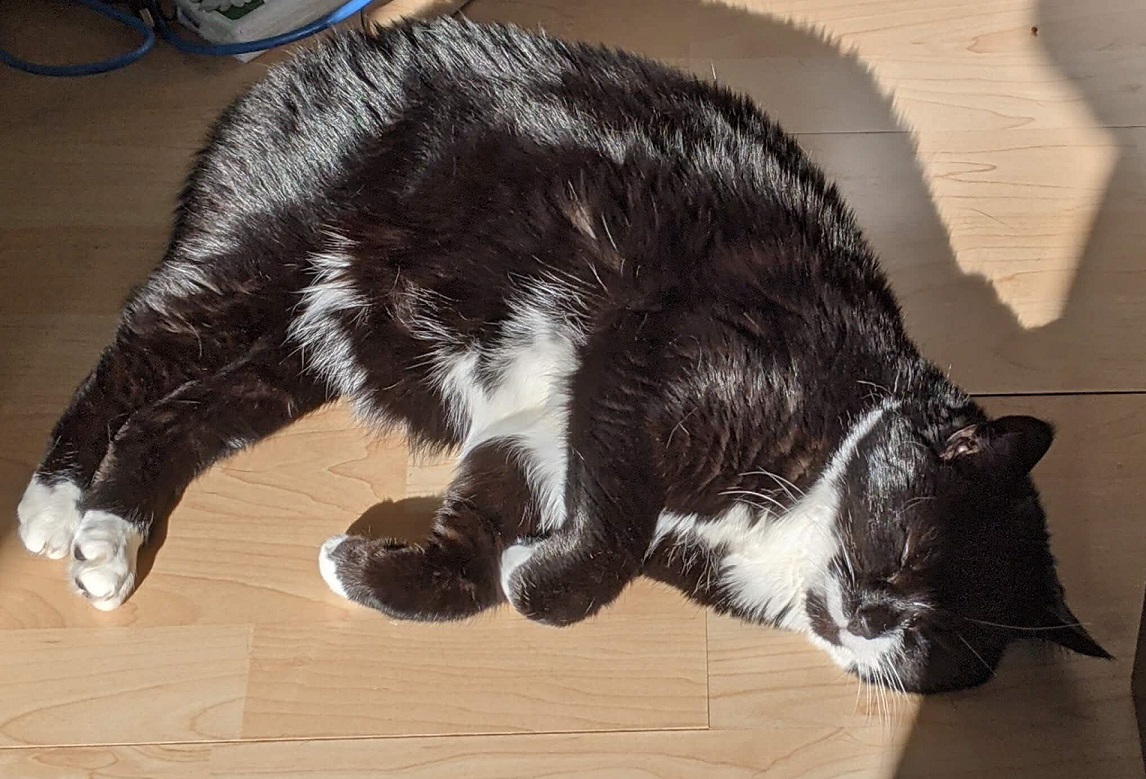
Figure out your safety level
Some of the steps in the following sections are easy, and should be used by everyone. Others will be time consuming to implement. And a few require ongoing changes to behaviour, and might limit the ways you can act online. Only you can decide how much you need to do. Take some time to really think this over. Weigh your sense of risk and need for privacy against your need to use the internet and your willingness to restrict your behaviour.
How much information is out there?
Start by finding out how much information about you is easily accessible.
- Search each of the following in a privacy-focused browser (such as Brave). This is because Google likely has a profile of you, and may be smart enough not to show you results about yourself.
- Name
- Previous names (for example, your name before you married, or your dead name)
- Address
- Phone numbers
- Each email address you have
- Usernames, especially ones you use on several sites
- Now repeat the previous searches, using Google in incognito mode. Google is what most people will use, so it’s worth seeing what they show, and incognito mode should reduce the profile problem mentioned above.
- Check if your online accounts are secure, using a hack checker like Avast Hack Check (the latter also allows you to check phone numbers).
- Try to think of places where your info might be shared. Make a list. Examples include:
- CV upload sites / job sites
- Work websites (a company ‘About’ page or professional profile, for instance)
- Personal blogs and hobby websites
- Social media: not just the ones you currently use, but any you’ve ever used. Yes, this includes your angst-ridden LiveJournal.
Easy steps
These are things you can do without altering your online behaviour or restricting your online presence. While they are ‘easy’ in that they don’t impact your use of the internet, some of them may be time consuming or a bit of a faff (for non-British readers, you need to add faff to your vocabulary - an overcomplicated task, a nuisance).
You don’t have to do everything at once. If you don’t need to urgently vanish from the internet, you can work through the list gradually.
Improve security
- Change any passwords revealed by the hack checker. Unfortunately, any information that was leaked is out there and can’t be fixed.
- Start using a password manager such as Dashlane. This allows you to use a complex and unique password for each account, without needing to memorise them. If a password is leaked, the damage is limited to that one account.
Delete what you can
- Delete any information that came up in your web searches, assuming you don’t need it to be public.
- Delete your old social media and forum accounts, old blogs, and so on (if you no longer use them).
- Delete job site profiles, and delete your CV from anywhere you’ve uploaded it (assuming you’re not job hunting of course!)
Secure your websites
- If you run any websites, review any documents you’ve uploaded to it. For example, if you have a site built with WordPress, someone might be able to get a lot of information by accessing your WordPress upload folder. Delete anything that doesn’t need to be there, and check your website directory permissions.
- If you own any domain names, make sure the WHOIS record is private. Your domain registrar should be able to provide private registration. This does not offer complete protection: someone can still request the information.
Remove public records
- Make sure you are not on the public electoral roll (UK), or your country’s equivalent (in the USA you may be able to request private voter registration from your local elections office)
Right to be forgotten
Make use of your right to erasure (also known as right to be forgotten explains the circumstances where you can ask for your data to be deleted, and how to make a request. Although formally contacting every organisation that has your data and doesn’t need it would be a big undertaking, it could be worth doing if you really need privacy. It is a tool you can use to get data fully deleted if a company is failing to fully delete you when you try to delete an account.
More difficult steps
These steps may be more difficult, as they require behavioural changes, or involve other people. Not all of them will be possible for everyone.
- Get your family and friends onboard with privacy. If possible, get them to untag you from photos (especially ones that might reveal your location).
- Make sure your employer is taking steps to protect your privacy, such as limiting the detail in public profiles, and ensuring your work email isn’t publicly associated with private information.
- Delete accounts regularly. For example, heavy Reddit users sometimes delete their account every few months. You lose karma and rewards (Reddit’s points system), but it prevents a build up of information that could eventually allow someone to identify you. This one is particularly hard. If you have a Twitter following, deleting the account is the last thing you want to do. Some communities prevent constantly rejoining under new identities (to prevent trolls), so you may not be able to do this for all your online communities.
- Consider using a mailbox service, so that you minimise the use of your home address online.
- Reduce access: this isn’t really about avoiding doxxing so much as reducing channels where people can harass you. Turn off Twitter DM’s, try to limit things like Facebook messenger to friends only, and so on.
- Be mindful of what you share. Assume that anything you write online can be seen by anyone.
Checklist
I’ve created a checklist for the tips in this article. You can save your own copy of the Google Doc version by following the link to the doc, then selecting File > Make a copy and saving it to your drive. You can also download it in various formats (not all formats will retain the checkbox behaviour).
Wrap up
Remember that even if you do everything on this list and more, a seriously determined person or organisation can still find you. This advice is about reducing the chance of petty trolls tracking you down.
Having given that rather alarming warning, I don’t want to trigger horrible anxiety in my readers, so . . . here’s another cat picture? That helps, right?